Skip to Content

An Android app by Madhav Kwatra

PhoneRecap app icon: the Buddy+ mascotPhoneRecap

Your phone year, told as a story.

PhoneRecap turns your phone use into a private yearly and monthly story, with cards you can share. Everything stays on your phone.
Android · in testingJoin the test
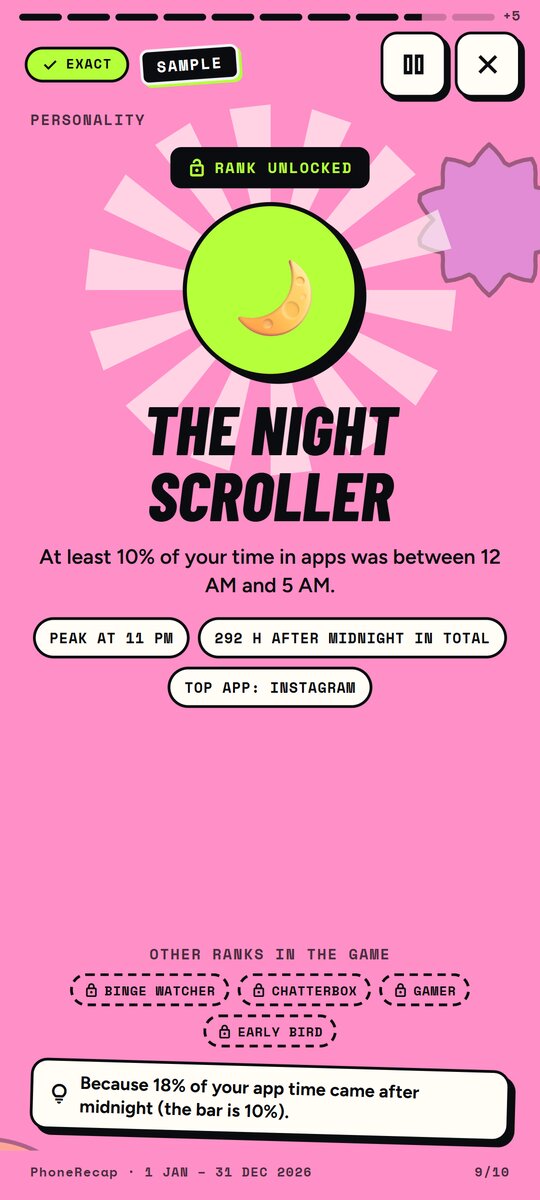
Personality card naming the sample user The Night Scroller
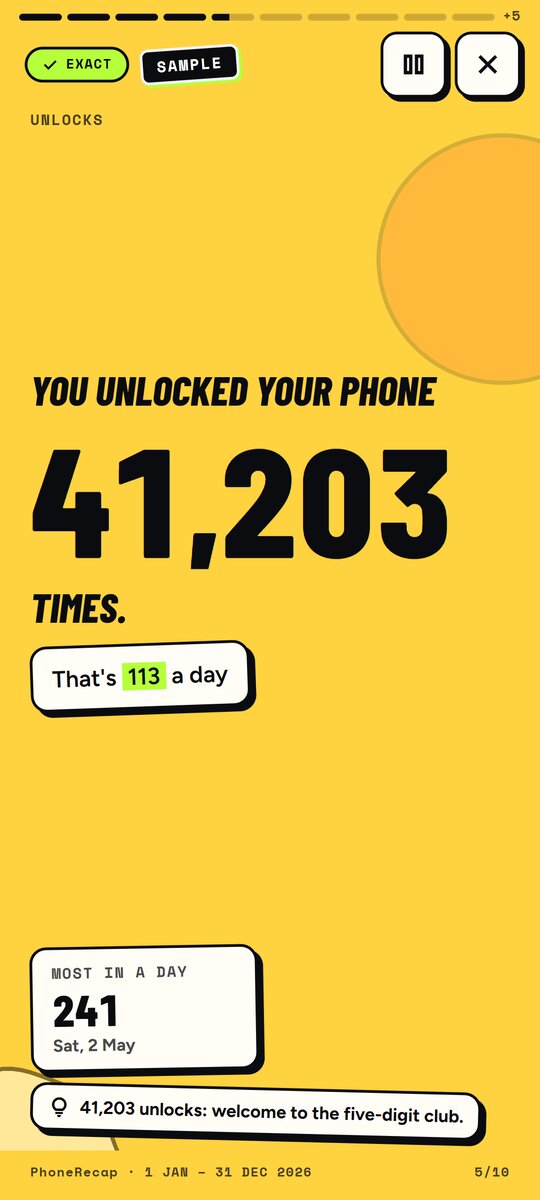
Story card: 41,203 phone unlocks in a year, sample data
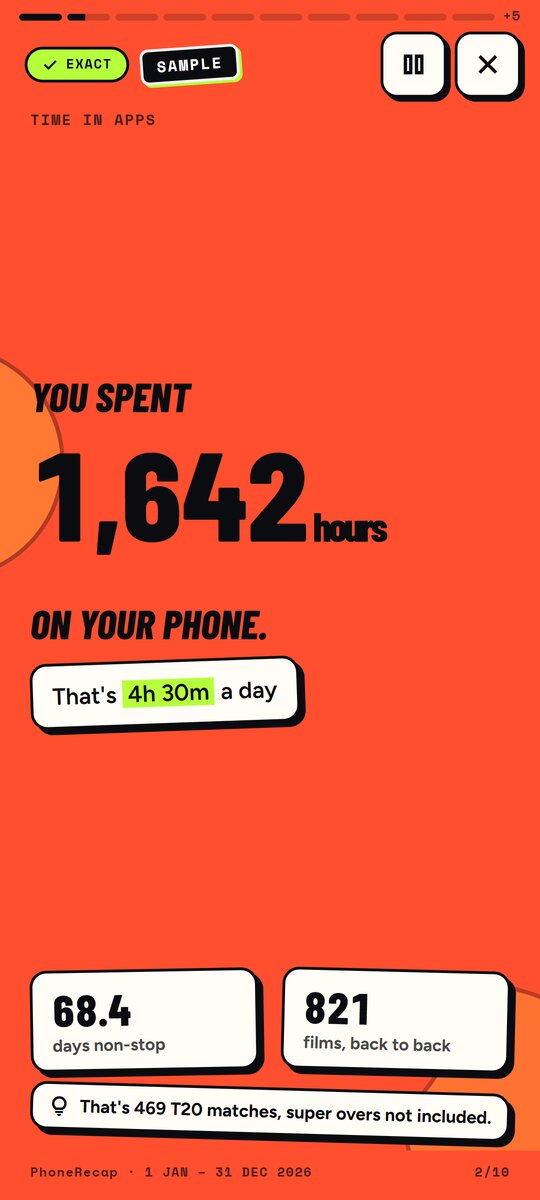
PhoneRecap story card showing 1,642 hours on the phone this year, with sample data

Private by design

PhoneRecap reads your phone use to tell the story. All of it stays on your phone.

No internet permission

The app can’t upload anything. It has no way to reach the internet.

No account, no ads, no analytics

Nothing to sign up for. No ad or tracking code inside the app.

Your data stays on the phone

Export it or delete it any time, from the app’s settings.

Check it yourself

Android never lists internet access on the Permissions page, so look at data use instead: it shows 0 B. On Google Play, PhoneRecap has no “full network access”.

Settings›Apps›PhoneRecap›Mobile data & Wi-Fi

A look inside
PhoneRecap story card showing 1,642 hours on the phone this year, with sample data
Your phone year, as a storyA recap of your year, card by card
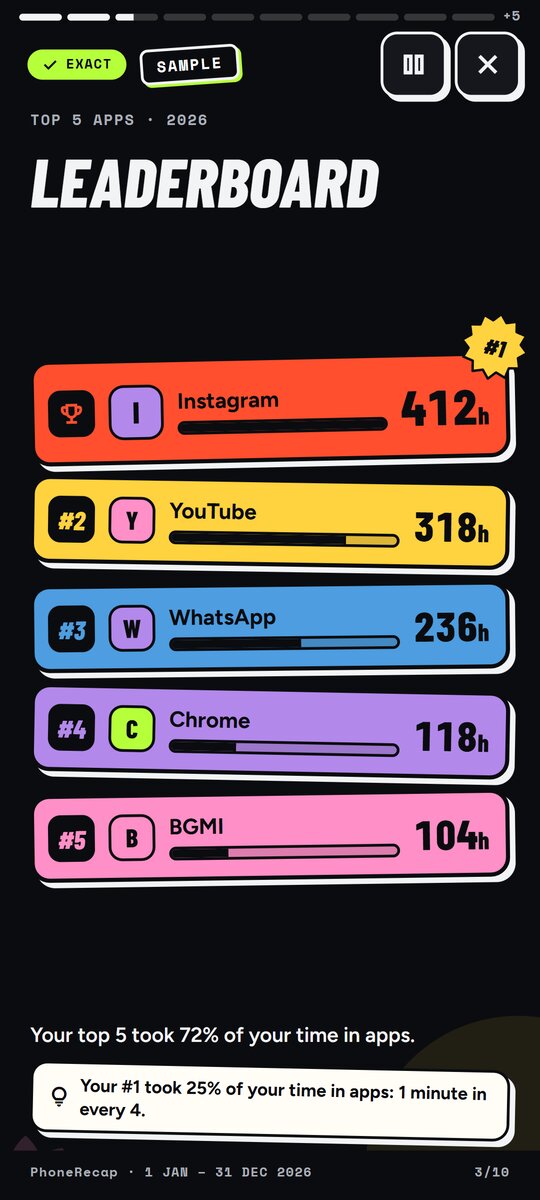
Leaderboard card ranking the five most-used apps of the year, sample data
See where your time wentYour most-used apps on a leaderboard
Personality card naming the sample user The Night Scroller
Meet your phone personalityA fun read on your habits, not a judgement
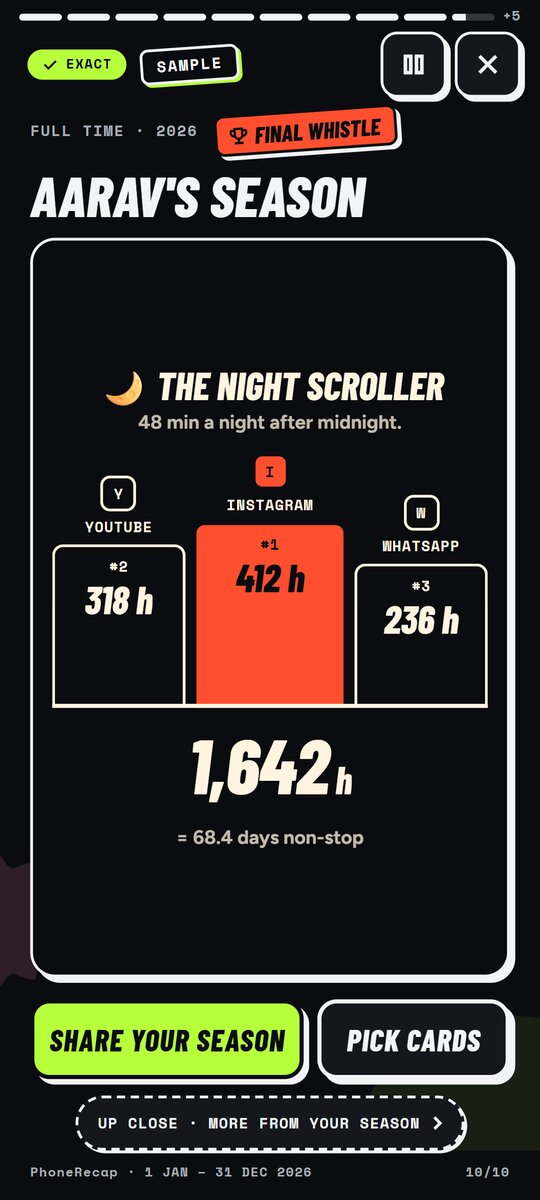
Final season card with a podium of the three most-used apps and the yearly total
Your season on one cardShare it, or keep it to yourself
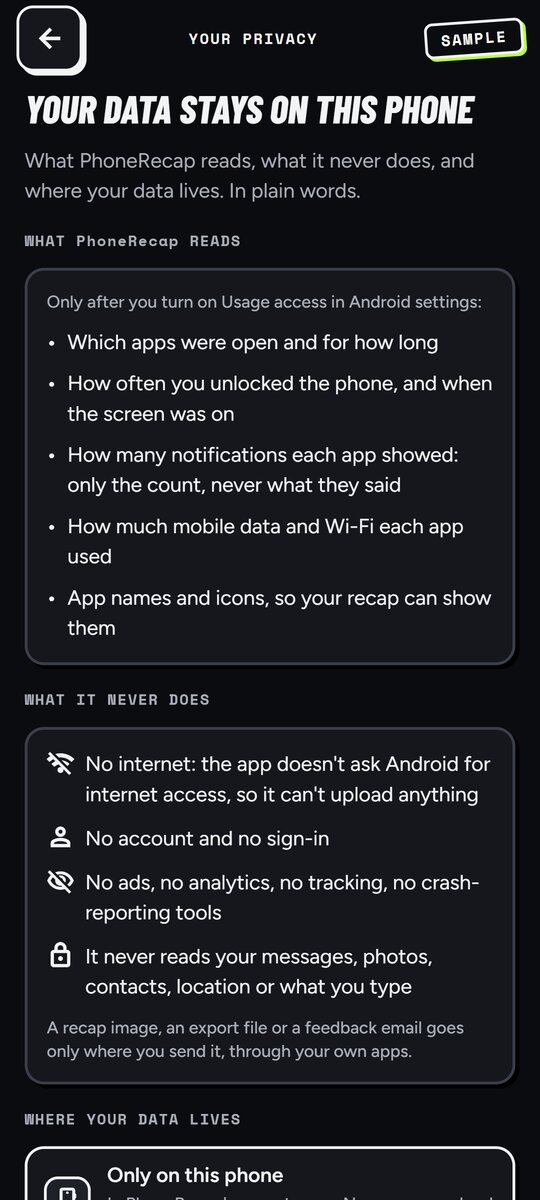
Privacy screen listing what PhoneRecap reads and that it has no internet access
It stays on your phoneNo account, no ads, no cloud
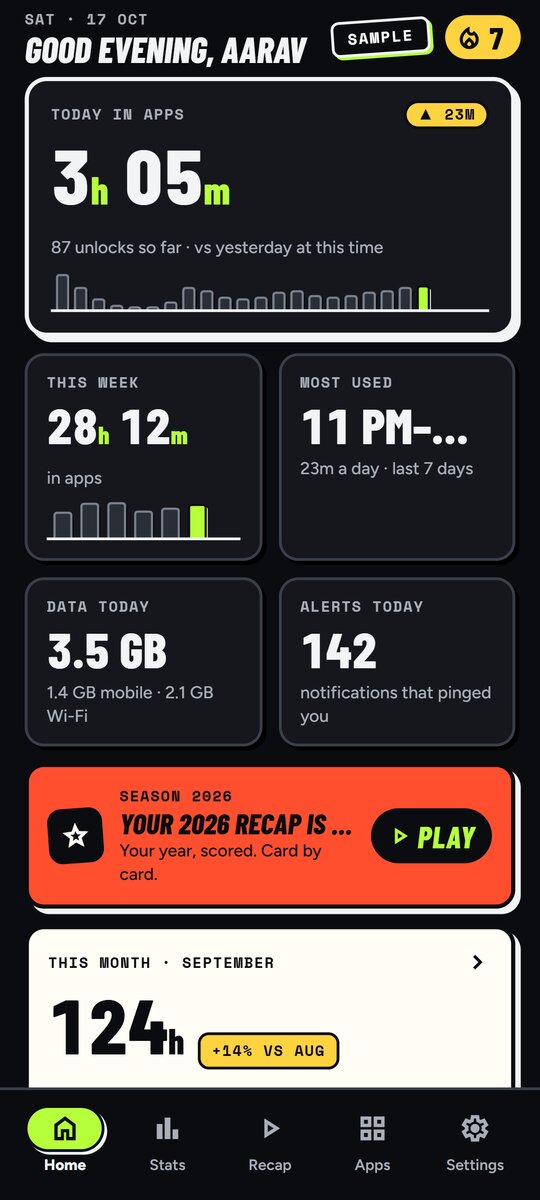
Home screen with today’s time in apps, unlocks, data use and alerts
Today at a glanceScreen time, unlocks, data and alerts

Screens show sample data (Aarav’s year), not a real person.

12 testers neededAndroid 10 or newer

Join the test

Help PhoneRecap reach Google Play. You get the app early; I get to know what breaks.

  1. Send me your Gmail

    Google Play adds testers by this address, so use the one signed in on your Android phone.

    Your email is used only to add you to the PhoneRecap test on Google Play. Only Madhav sees it. It is stored by Netlify (this site’s host, USA) and added to the tester list in Google Play Console. No marketing, no newsletter, and this page has no trackers. It is deleted within 30 days after the public launch, or sooner if you ask: madhav.kwat+phonerecap@gmail.com.

    Prefer to chat? DM me “TEST” on Instagram (opens in a new tab) · LinkedIn (opens in a new tab) · X (opens in a new tab).

  2. Opt in on Google Play

    I add you to the test and email you the Google Play link. Tap it and choose “Become a tester”.

  3. Install and keep it 14 days

    Open it every few days. Tell me what breaks.

Why 12 testers? Google Play asks new developers to test with 12+ people for 14 days before launch.

Questions

Does PhoneRecap need the internet?
No. The app has no internet permission, so it can’t send anything off your phone.
What does it read?
Android’s Usage access: which apps were open and for how long, unlocks, notification counts, and data use per app. Never messages, photos, contacts, location or what you type.
Is it like a year-in-review for my phone?
Yes: a yearly and monthly story with cards you can share.
Which phones does it work on?
Android 10 or newer. No iPhone version yet.
How do I delete my data?
Settings › Your data › Delete, in the app. Or uninstall the app.
Who made it?
Madhav Kwatra, an indie developer in India.